For wedding venues
Event pages for wedding venues
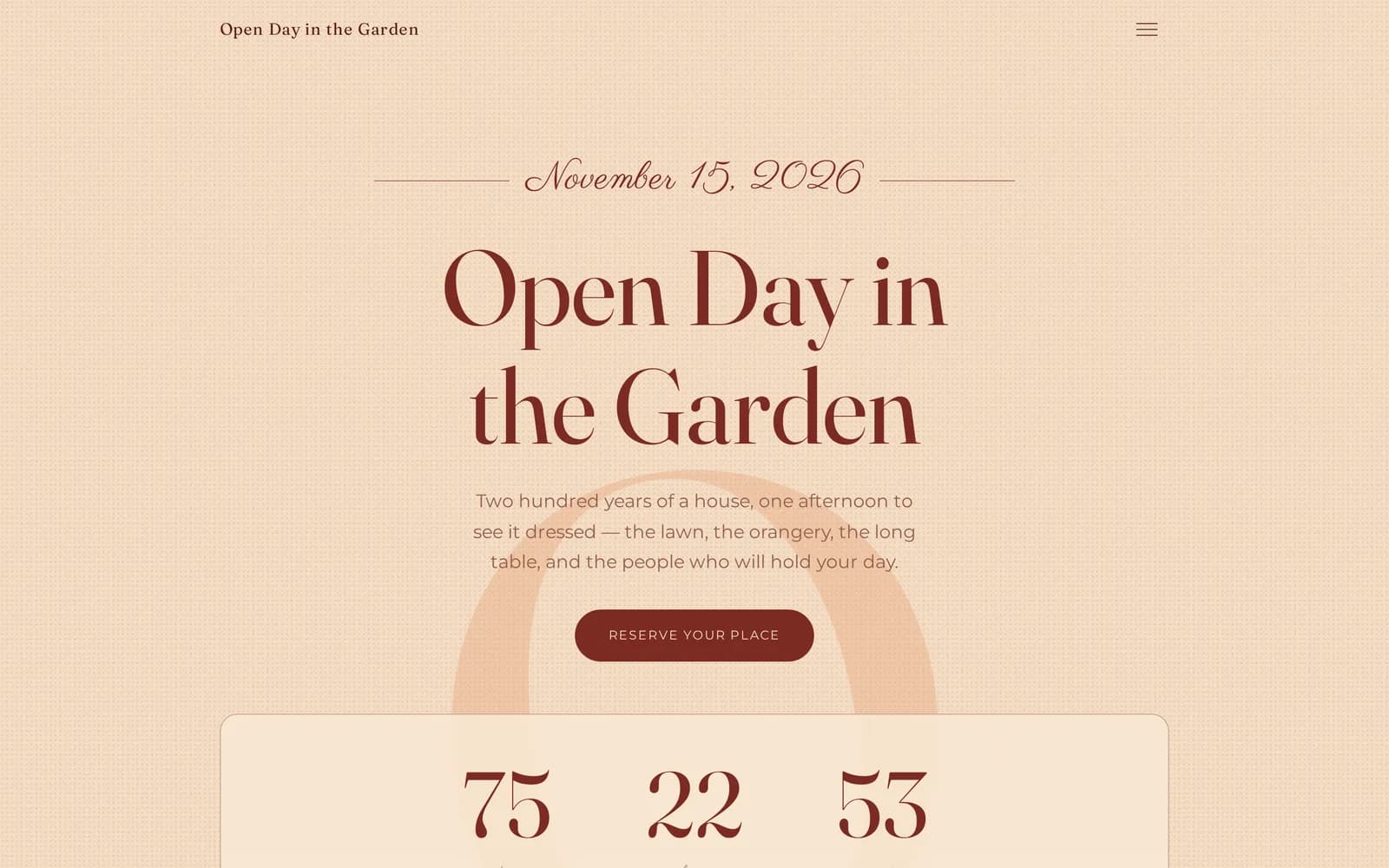
An open day, a wedding fair or a showcase evening — one page carrying the programme, the suppliers, sign-ups, QR codes and a guest zone. You build it yourself, in the studio, with no developer.
You sign in with a link from your inbox — there is no password.
- 17
- section types
- 12
- themes
- 6
- studio languages
What is WeddieEvents, and who is it for?
WeddieEvents is a platform for wedding venues: build the page for an open day, fair or showcase, and couples register, scan a QR code and leave their details.
The venue might be a banqueting hall, a manor house, a barn, a country estate or a hotel with a function room — the job is the same. Most venues run rooms for 51–200 guests, and the wedding they quote for most often is around 150.
On the other side are engaged couples. They come to see the room, taste the menu and meet the people they would be working with. The event page is what they hold before they arrive, and what stays in their phone after they leave.
Room sizes and the wedding a venue quotes for most often are a working range rather than a published statistic: the surveys that exist are national, and none of them covers every market.
How is this different from a Facebook event and a Google Form?
A Facebook event invites and a Google Form collects. An event page does both, and stays online after the day — with the programme, the suppliers and the gallery.
Honestly: Facebook wins on reach, and on how fast you can reply in Messenger. A Google Form wins on export to a spreadsheet — we do not have that yet.
What neither does: show an hour-by-hour programme, introduce your suppliers, put anything behind a PIN, or stay in Google as a page a couple finds three months later.
The full comparison with Facebook, Google Forms, Eventbrite and an agency landing page
What does a couple see when they open the link?
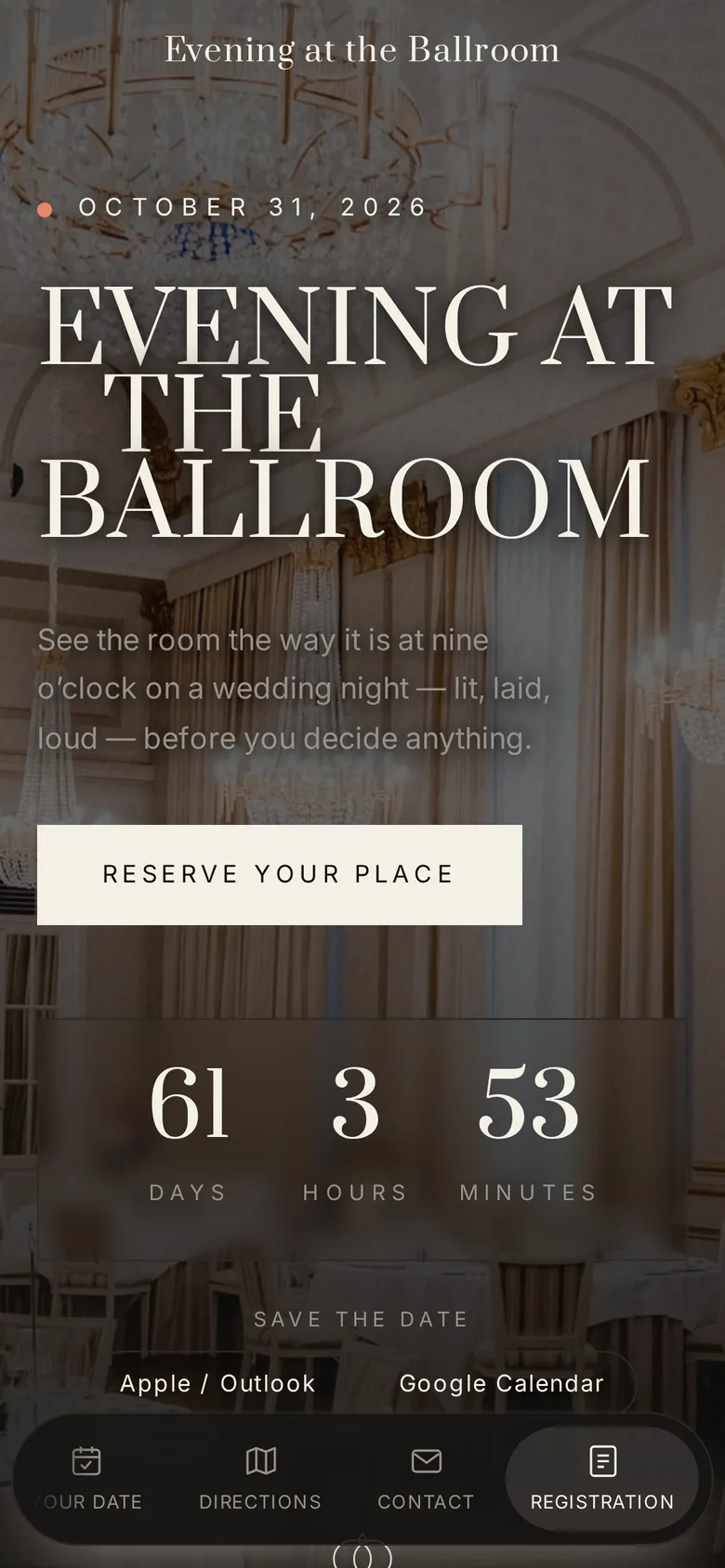
A couple gets one page: the hour-by-hour programme, supplier profiles, the menu, the gallery, the date question and the sign-up form — on a phone, with no app.
It is one page, scrolled with a thumb. On phones the sections can become a floating bar along the bottom of the screen, so every one of them is a single tap away.
What does the venue keep after the day?
A list of engaged couples with email, phone and wedding date, eight numbers from the day, and a page that stays online as proof.
The leads screen shows eight numbers at once: page views, guest-zone entries, QR scans, registrations, date enquiries, contact messages, supplier saves and completed passports. Below them sits the registrations table with the couple, their email, phone, wedding date and guest count.
Two things worth saying plainly: nothing emails you when an enquiry arrives — you open this screen. And there is no CSV export yet.
- Page views
- Guest-zone views
- QR scans
- Registrations
- Date inquiries
- Questions
- Vendor saves
- Passports completed
The leads screen: eight numbers from the open day, above a registrations table carrying each couple's wedding date.
How long does it take to get a page live?
The venue account takes under a minute; paste your website and the platform imports your description and up to four photographs. The programme, menu and suppliers you write yourself.
Create the account
You give an email address and get a link back. There is no password, so there is nothing to forget.
Paste your website
The platform reads it and fills in your name, your description and up to four photographs. Logos and crests are rejected — the hero should be your venue, not your signet.
Name the event and pick a date
A new event starts with five sections already in place: hero, about, programme, suppliers and registration.
Add the programme and the suppliers
Time, title, place. A supplier can be invited by email to fill in their own card instead.
Publish, then print the codes
The page gets its address, and the QR sheet gives you the event code, the guest-zone code, one code per supplier stand and one per passport stop.
What does a finished page look like? Open one of three
Three fictional venues, three themes, every section switched on. The forms work and store nothing — register for the open day and see exactly what a couple sees.
How much does WeddieEvents cost?
There is no price list yet. We work with our first venues individually — we agree terms before your first open day, not after it.
So that this is not a dodge, here is the scale we are working at. We are not going to print a per-head price as if one number fitted every market — take your own and multiply it by 150. That single booking is the figure every marketing cost at a venue gets weighed against, and the costs on the other side are paid whether or not a date is booked: a directory charges per lead, an agency landing page is quoted in the thousands, and both bill again next year.
A venue's margin is not that whole figure and we will not pretend it is. But if an open day closes one more booking, the conversation about what a tool costs gets short.
150 × per head
what one wedding booking is worth — put your own per-head price in, and that is the number to weigh any marketing cost against
$50–$200
what a wedding directory charges per lead in the American market, paid per enquiry whether or not it books
59%
of couples will not contact a venue at all when pricing is not published online — an enquiry lost before any tool can help
Sources: directory advertising tiers and cost per lead, fullybookedvenue.com; pricing transparency, Bridebook. The per-head figure is left blank on purpose — it differs by market and by season, and your own is the only one worth planning from.
Common questions
Do I need a developer to launch an event page?
No. The page is assembled in the studio from ready-made sections you reorder by dragging, with a live preview beside the editor. There is nowhere that expects code.
Does the page work on a phone?
Yes, and the phone is the main screen — a couple opens the link on the way, or scans a QR code once they arrive. The sections can become a floating bar along the bottom of the screen.
Do I get the couples' details after the event?
Yes. Registrations, date enquiries and contact messages wait on the leads screen with the wedding date, the phone number and the contact consent. There is no CSV export yet.
How do the QR codes work?
The platform prints four kinds from one sheet: the event page, the guest zone, one per supplier stand and one per passport stop. Every code opens the page in the language you wrote it in.
Can I run several events a year?
Yes. One venue account carries many events — an open day in spring, a fair in autumn, a showcase in winter — each at its own address and with its own look.
What about data protection?
The venue is the data controller. Consent to be contacted is a separate, required field on sign-up, the statistics are daily totals with no visitor profiles and no tracking pixels, and files are stored in a bucket in the EU.
Does this work for wedding fairs and showcases too?
Yes — it is the same editor. A fair adds the interactive floor plan, the QR passport, and per-supplier numbers you can hand an exhibitor afterwards.
What happens if we stop using it?
The page stops being public and the couples' details remain yours. There is no year-up-front contract, because there is no price list yet — terms are agreed individually.
Build the page for your open day
Create the venue account, paste your website and look at the first draft. No card, no password, no commitment.
Clicking asks for your email and sends a sign-in link. After that we ask one question: the name of your venue.